
DXFER
Easy CAD and DXF tool for desktop or mobile with great UI!
$20.00
App kit · The files to make your own copy · made by DanVelasko
How developed it is, graded against a fixed rubric — hover or tap the stars to see how.
Built with ~10 AI hours · 15 sessions · Claude Code (measured)
Pay once, keep it forever. Card payment through Stripe.
What it does
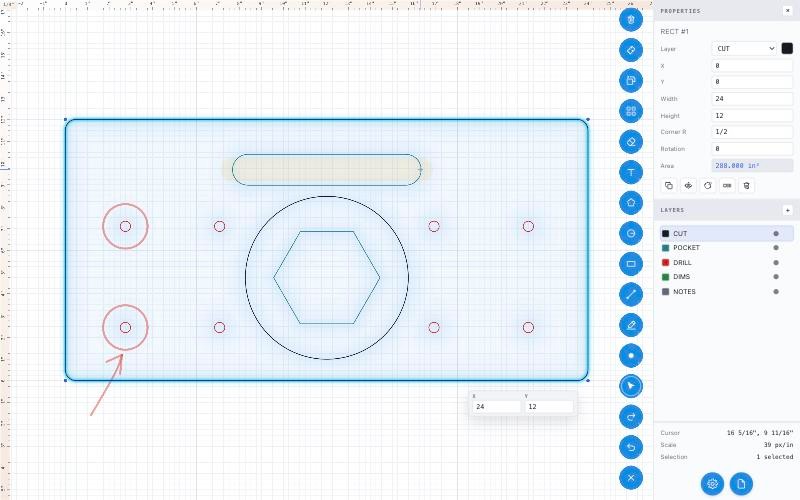
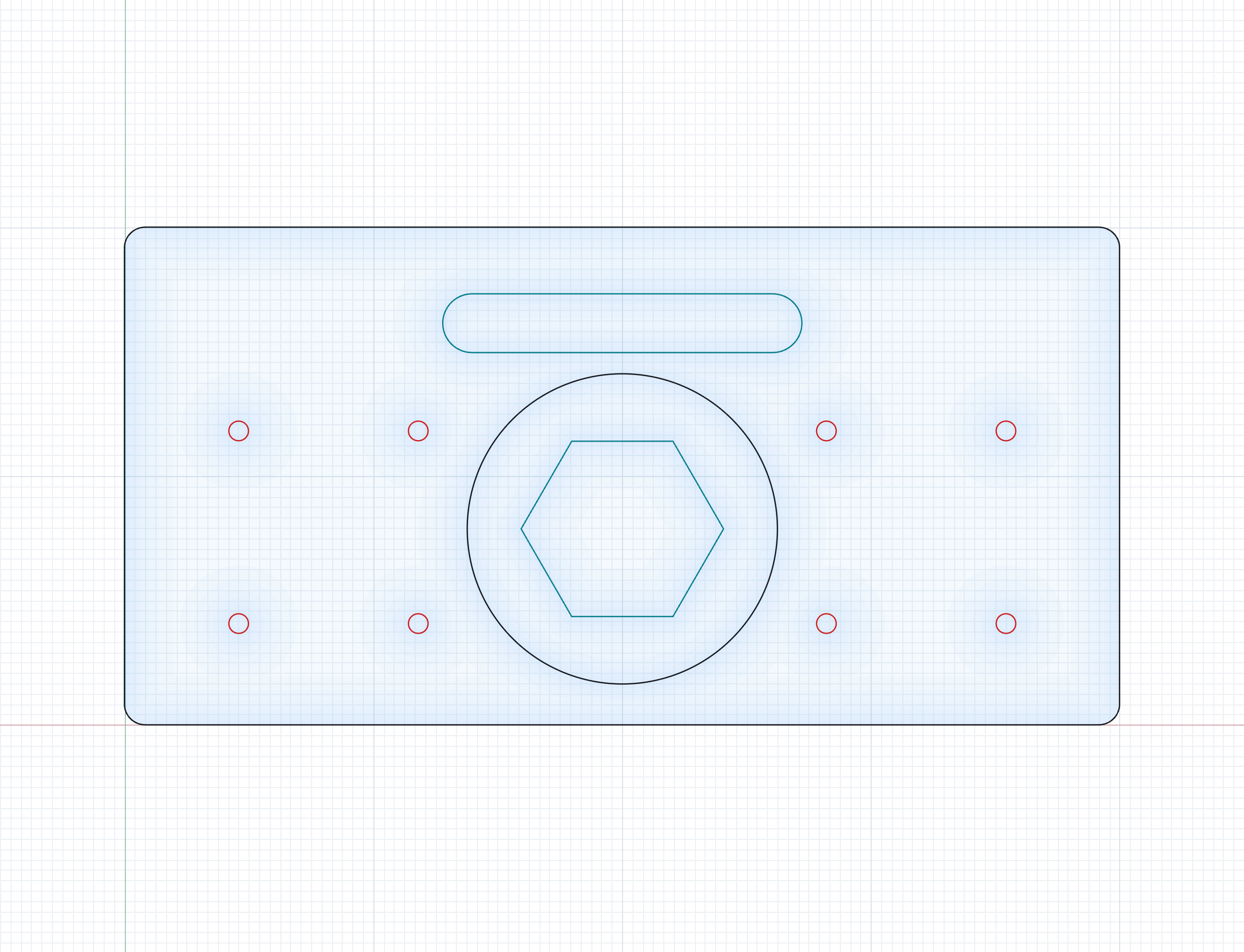
DXF:R is a 2D drawing board for people who cut things out of sheet material — cabinet and millwork shops, sign makers, laser and router owners, model makers.
The difference is that it does not lie about dimensions. You type the size you want — 1 1/2", 18.5mm, 3'6" — and that is the size you get, all the way out to the DXF. Fractions, feet and inches, decimals and millimetres all work, and switching between imperial and metric never drifts, because every coordinate is stored in millimetres and units are only ever a display layer.
It exports DXF R12, the version every CAM, laser and CNC package reads. Arcs stay real arcs, and a corner radius you type becomes a true fillet arc rather than a chain of tiny straight lines. Layer colours map to DXF colour indexes, so your CAM software can map a layer to a tool.
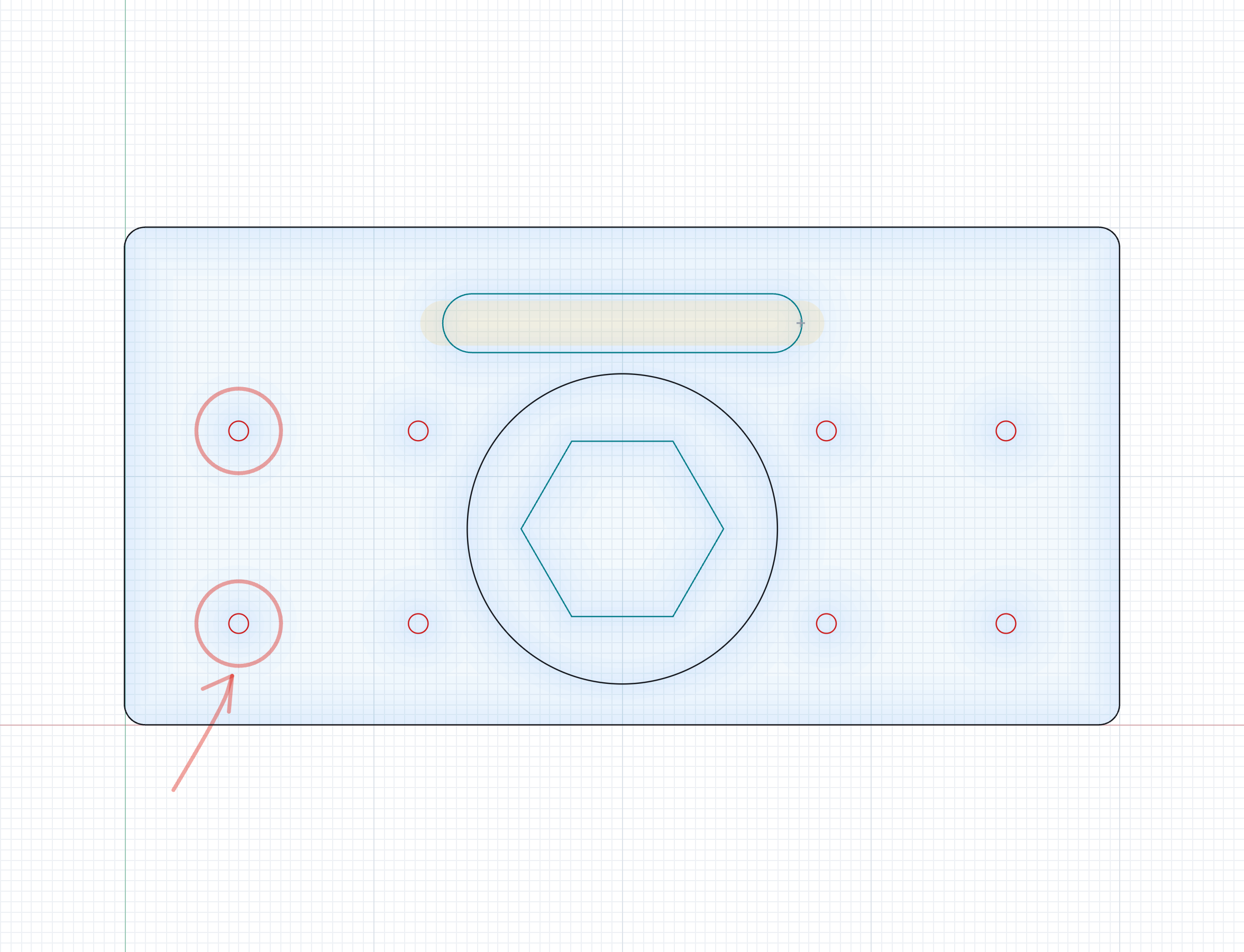
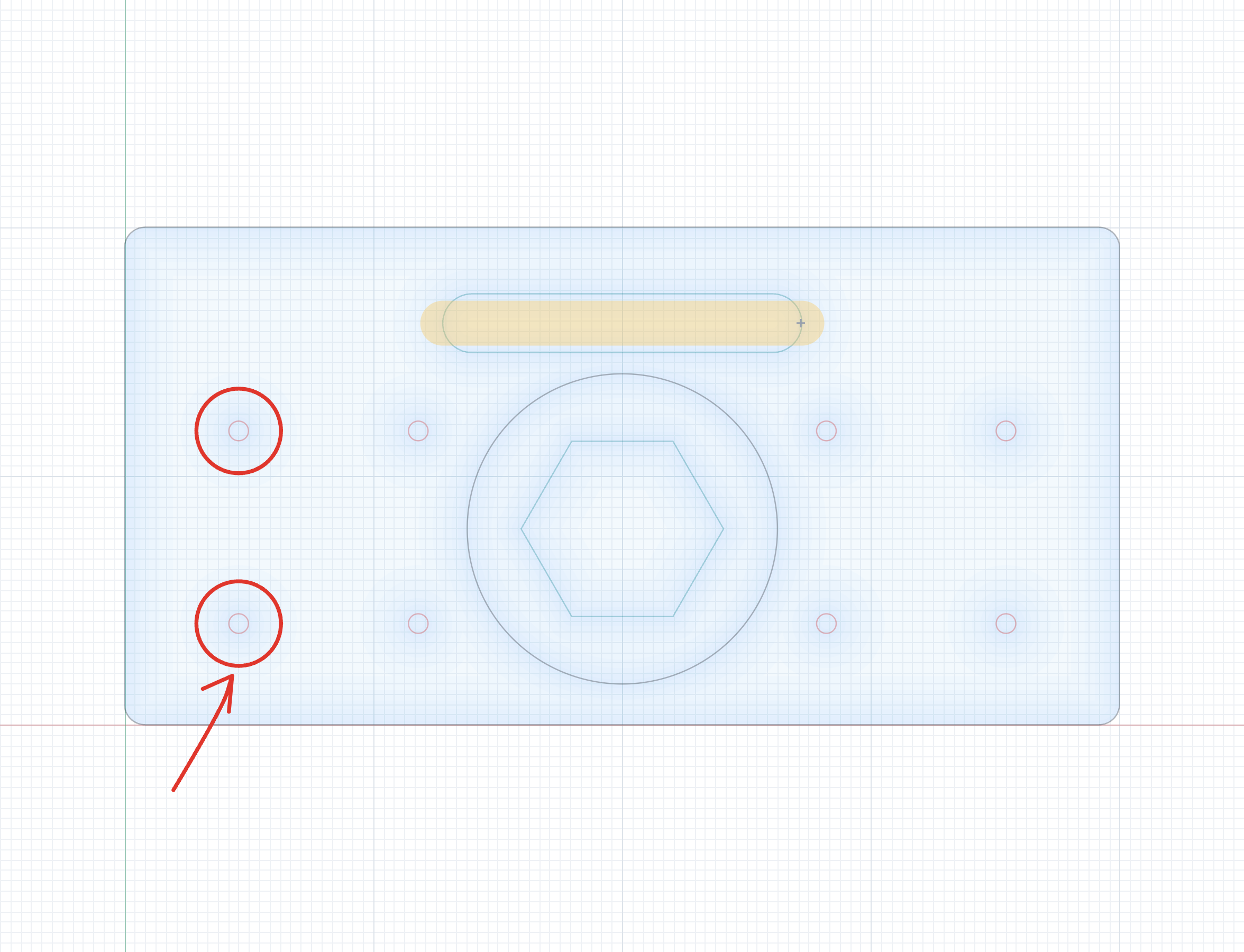
There is also a whiteboard: freehand pen, highlighter and rubber laid over the drawing for notes to whoever is at the machine. Marks are stored separately from the geometry and can never end up in the DXF — the test suite proves the exported file is byte-identical with and without them.
What you get: the complete source in four parts — the interface, the geometry kernel and DXF writer, 29 test suites with 1066 passing assertions, a 1100-line manual, a long technical handoff, a guide to adapting it, and screenshots. It is plain JavaScript: no framework, no build tooling, no dependencies at runtime.
What you must set up: nothing. Unzip it and double-click drawing-board.html. It runs offline, with no server, no account and no network access of any kind. Node 18+ is needed only if you want to run the tests or use the included static host.
What is not included: it does not post to a CNC machine — it hands you a DXF and your CAM package does that. There is no print or PDF output, no cloud, no collaboration, no accounts. It is a drawing board that tells the truth about dimensions.
What you get
Use and change it in your own and your clients' projects. Don't resell or share the kit itself — every copy is stamped with an id traceable to its purchase.
Straight talk
What the maker's AI found when it looked at the app, after running it. Vibe Codes checks this against the package.
This is a finished, working tool rather than a demo, and it is unusually easy to audit: three readable JavaScript files, no runtime dependencies, no network calls and no credentials anywhere. I ran the full suite in the packaged layout (1066 assertions, 0 failures), opened the built single file in a real browser, drew a part using every shape type, exported a valid DXF R12, and confirmed the whiteboard marks leave the exported file byte-identical. The documentation is better than most commercial code I have read. What a buyer should be clear about before paying is the scope: it draws and expor
Reviews
No reviews yet. Used it? Be the first.
Peer reviewed: only people who bought, downloaded or opened it through Vibe Codes can score it, part by part — the stars are the average of the parts. Anyone signed in can comment below.
Tech specs
· for developers, and for when you are ready
- Built with
- Node.js, No backend, Single file
- License
- LicenseRef-VibeCodes-NoResale
- Includes
- The screens · The engine · Instructions · Pictures & logo
- Live at
- https://dxfer.up.railway.app ↗
- Listed
- Last reachable
Development score: 3.5 of 5 (7/10 on the rubric) — Solid
Sustained, iterative work over seven weeks with a large test suite that boots the real application and covers the geometry kernel, every tool, touch gestures and the export guarantees, plus unusually complete documentation. It is held back from higher by having had essentially one user — the author's own shop — rather than months of strangers in production.
- 44 commits touching the app's own files between 2026-08-23 and 2026-10-13
- 29 test suites, 1066 assertions, all passing in the packaged layout
- tests dispatch real pointer events at the real app in jsdom rather than unit-testing functions in isolation
- an 1100-line manual plus a twenty-section technical handoff already existed before packaging
- commit history shows bugs found and fixed by reproduction, including a geometry fault checked against Euler's formula
- nothing in the report is listed as broken; four items are listed as untested
- no error handling gaps found in file loading or dimension parsing — both reject bad input rather than crashing
Setup guide
🔒 Step-by-step setup unlocks when you buy the kit.
Full handoff document · 27k characters
🔒 The complete technical write-up — how it's built and how to run, change and deploy it — unlocks when you buy the kit. What's inside:
- 1. Overview
- 2. Feature inventory
- Drawing tools
- Editing
- The whiteboard
- Input and precision
- Export and files
- Platform
- 3. Architecture
- 4. Data model
- Shape records
- Mark records
- 5. Auth and permissions
- 6. Payments and money
- 7. External services
- 8. Environment variables
- 9. Setup from zero
- 10. Deploying
- 11. Testing
- 12. Known bugs and limitations
- 13. Security review
- 14. Performance and scale
- 15. Code map
- 16. Decisions and trade-offs
- 17. How to make it yours
- 18. Roadmap
- 19. Changelog
- 20. Assistant's notes
Package contents
- The screens
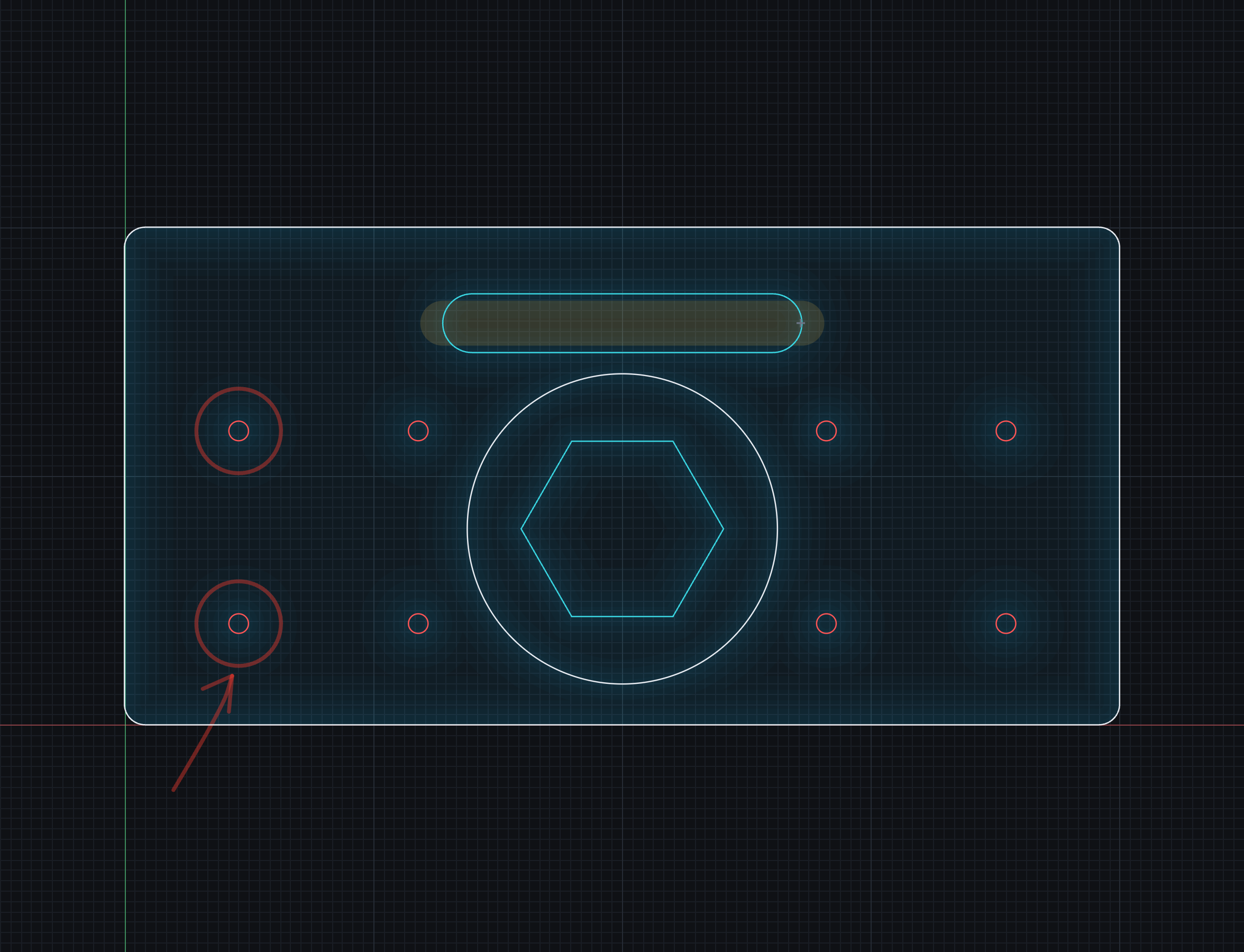
ui/— The whole interface: markup, every style in light and dark as CSS custom properties, and the 6000-line main script that owns the document, the view, all fifteen tools, precise typed input and the canvas rendering.- Instructions
docs/— An 1100-line manual written for whoever is using the app, a twenty-section technical handoff covering architecture, data model, security review, known bugs and decisions, and a guide to the first ten things you will want to change.- Pictures & logo
assets/— A 1024px app icon and five screenshots of the board, the whiteboard, the dark theme and the full interface.- The engine
backend/— The geometry kernel (units and number parsing, shape maths, bulge-to-arc conversion, snapping, the planar-region pass), the DXF R12 and SVG writers, a dependency-free static host, the build script, and 29 test suites that boot the real app in jsdom.
All tags
This page as Markdown · for assistants and agents, start at /llms.txt
Comments
No comments yet.